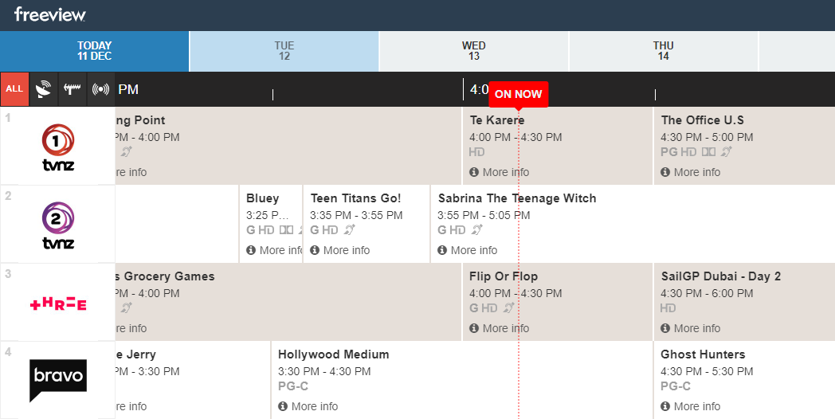
What is the EPG (Electronic Programme Guide) or TV Guide?
EPG stands for Electronic Programme Guide, sometimes referred to simply as the Freeview Guide.
The Freeview EPG /TV Guide is a free TV schedule that comes with all approved products with Freeview so you can easily see what's on and book recordings with your Freeview Recorder.
You can access the Freeview EPG by pressing the EPG or GUIDE button on your remote control.
Tip! If you have a Smart TV, pressing the EPG or GUIDE button would display a TV schedule supplied by the manufacturer (the native EPG rather than the Freeview Guide). To view the Freeview Guide, connect to broadband and select TV Guide on the Freeview pop up displayed each time you change channel.
Please see the current TV Guides (EPG) below:
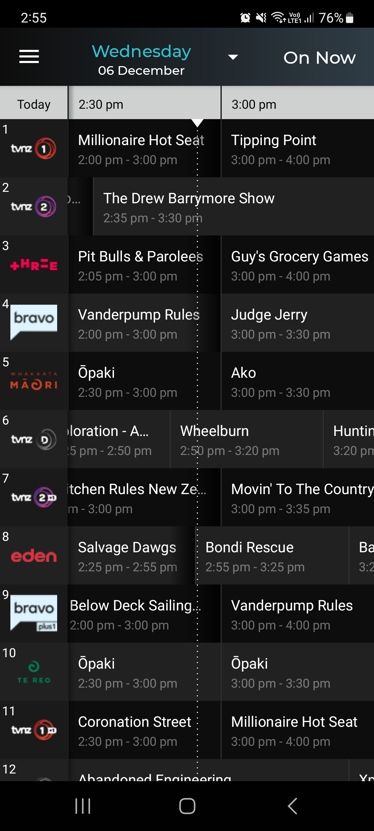
Freeview Mobile App TV Guide:
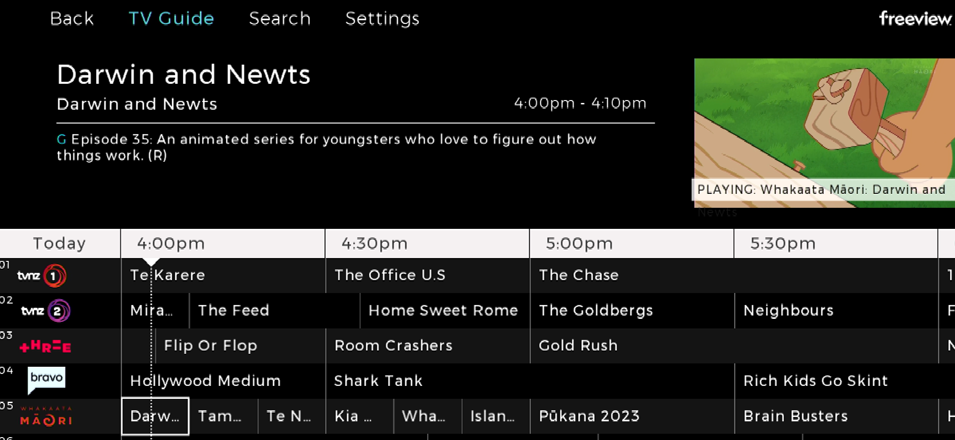
Freeview HbbTV Mini TV Guide (Streaming and UHF/Satellite TV):

Freeview HbbTV TV Guide (Streaming and UHF/Satellite TV)
Freeview Website TV Guide (EPG):